INP for Ecommerce: How to Fix Slow Filters, Search and Add to Cart
4 min read
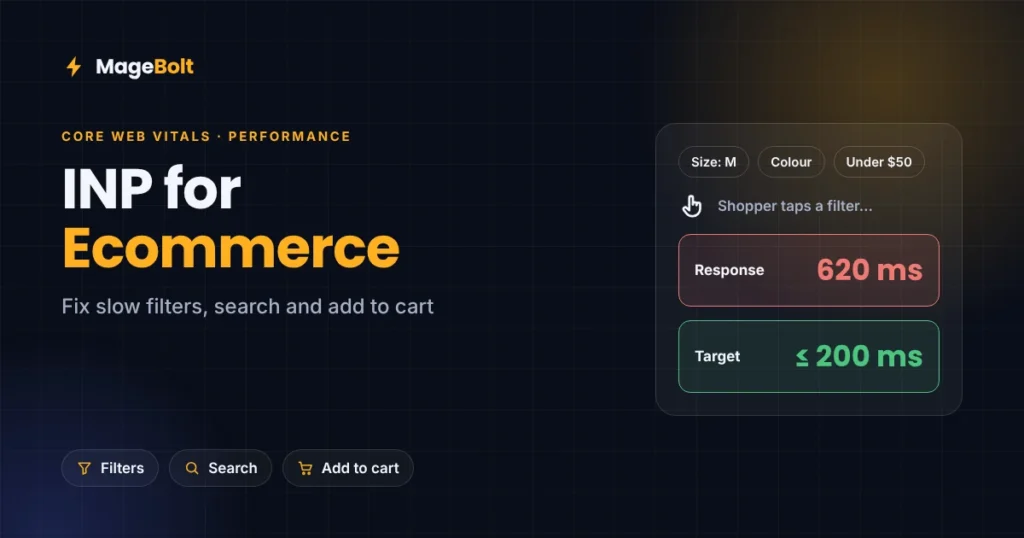
A shopper taps a filter, and nothing happens for half a second. Then they tap again, and the page jumps. That delay is what Interaction to Next Paint (INP) measures. This guide to INP for ecommerce shows where online stores lose responsiveness, and how to fix it before peak traffic.
What is INP?
INP is one of Google’s three Core Web Vitals, alongside loading speed (LCP) and layout stability (CLS). It measures how quickly a page responds when someone clicks, taps or types (web.dev).
Specifically, INP times the gap between a shopper’s action and the next visual update on screen. It looks at the interactions across a whole visit, and it reports one of the slowest. Scrolling and hovering do not count.
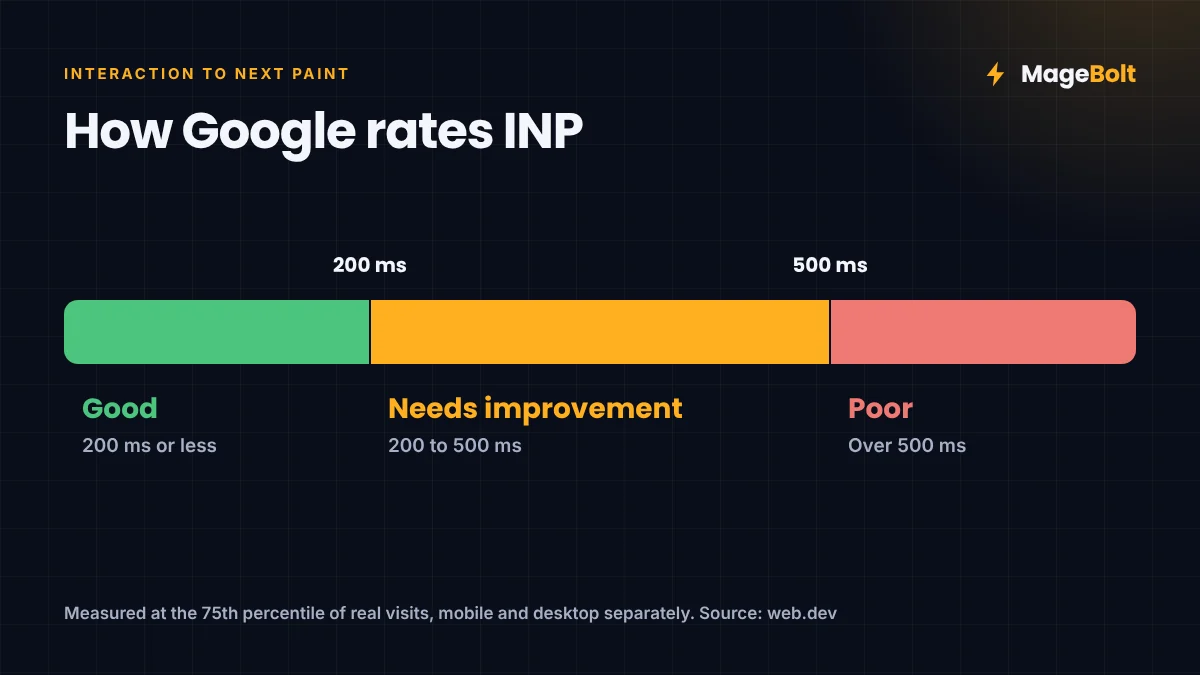
Google uses the 75th percentile of real visits, split by mobile and desktop:
| INP score | Rating |
|---|---|
| 200 ms or less | Good |
| 200–500 ms | Needs improvement |
| Over 500 ms | Poor |
INP replaced First Input Delay as a Core Web Vital in March 2024. However, FID only measured the first interaction, while INP watches all of them.
Why INP for ecommerce matters more than for most sites
Online stores are full of interactions. For example, shoppers filter, sort, search, pick sizes and add items to the cart. Each of those taps is a chance for the page to feel slow.
Listing pages are often the weakest point. In fact, one 2026 analysis found the biggest INP slowdowns on listing pages, search results and dashboards (WebVitals.tools). That finding comes from the site’s own data, not from Google, but it matches what we see on client stores.
Where online stores lose INP
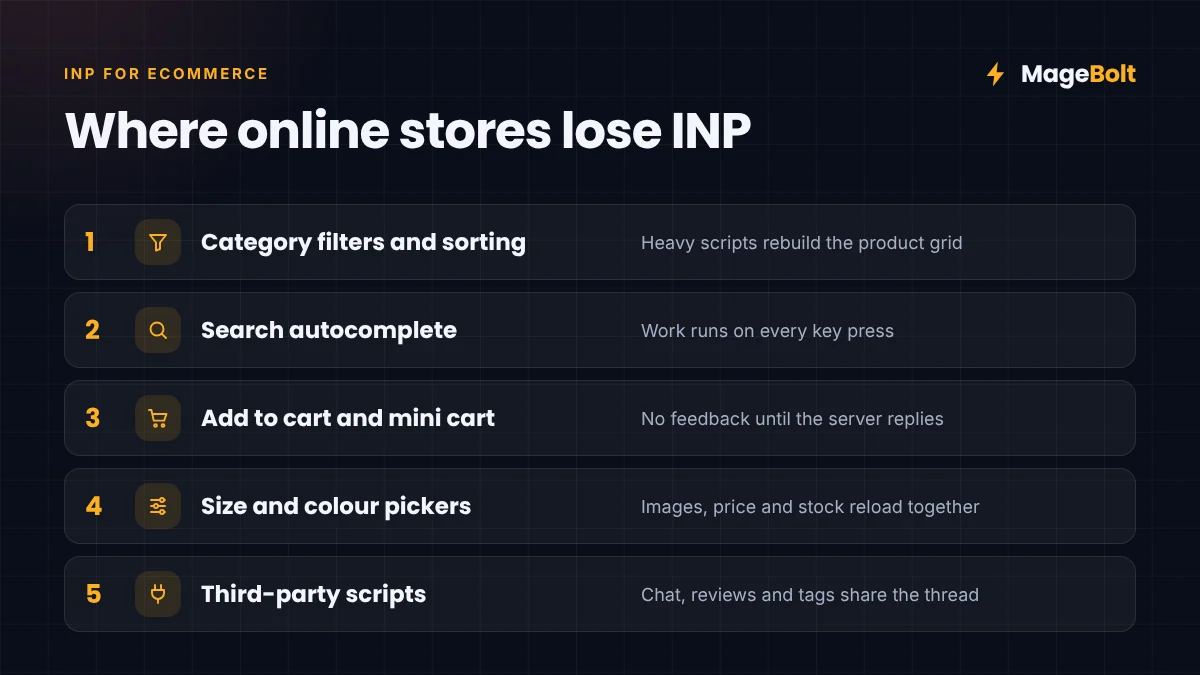
- Category filters and sorting. Each tap can trigger heavy scripts that rebuild the whole product grid.
- Search autocomplete. Suggestions that run on every key press can block the page.
- Add to cart and mini cart. Some carts wait for the server before showing any feedback.
- Size and colour pickers. Changing a variant can reload images, prices and stock all at once.
- Third-party scripts. Chat widgets, reviews, tracking tags and pop-ups compete for the same main thread.
How to measure INP for ecommerce stores
Always start with real-user data, because lab tests miss many slow interactions.
- Check field data. First, open PageSpeed Insights or the Core Web Vitals report in Search Console for your key templates.
- Split by page type. Next, compare home, category, product, cart and checkout pages, since each behaves differently.
- Reproduce in the lab. Then record the slow interaction in Chrome DevTools, and look for long tasks.
- Track over time. Finally, add Google’s web-vitals library so you can see INP by template and device.
Seven fixes that work on most stores
Most INP problems come from too much JavaScript running at the wrong moment. So the fixes focus on doing less work, or doing it later.
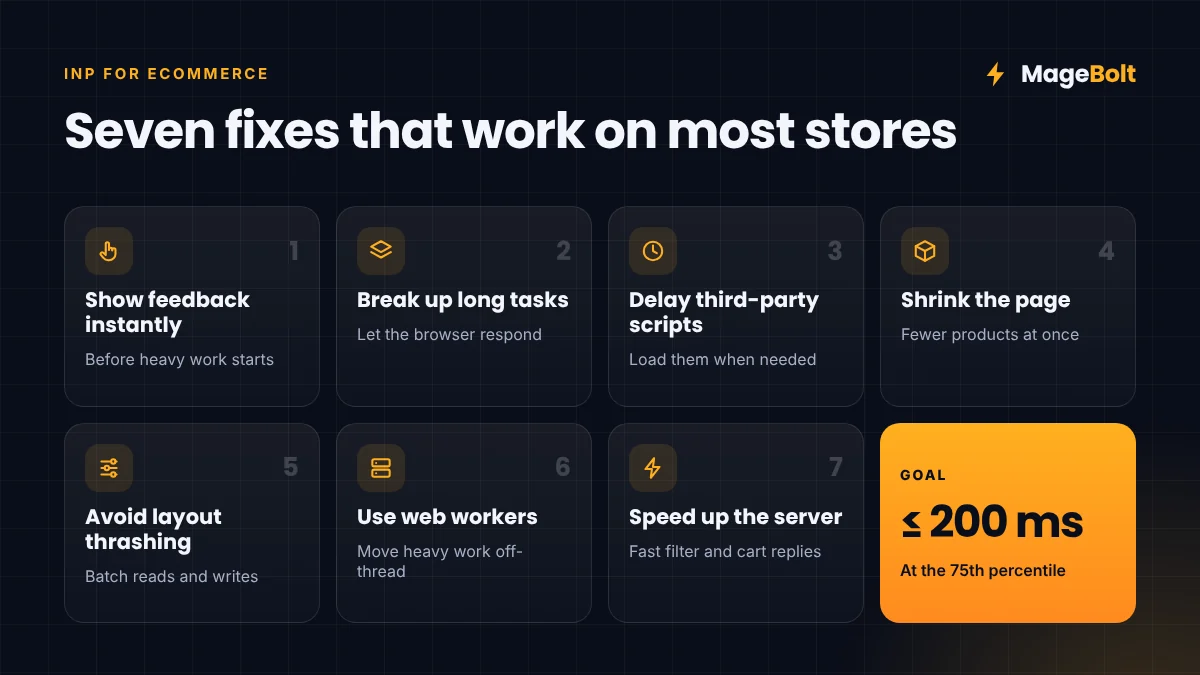
- Show feedback instantly. For example, highlight the chosen filter or show a spinner before the heavy work starts.
- Break up long tasks. Split big scripts into smaller chunks, so the browser can respond in between.
- Delay third-party scripts. Load chat, reviews and marketing tags after the page is ready, or only when needed.
- Shrink the page. Category pages with thousands of elements are slow to update, so load fewer products at once.
- Avoid layout thrashing. In other words, do not read and change page layout repeatedly in the same task.
- Move heavy work off the main thread. Web workers can handle tasks like price calculations in the background.
- Speed up the server. Filters and carts often call the server, so fast responses free up the interaction budget.
Platform notes for INP for ecommerce
Each platform also has its own common culprits. On Magento, themes that load many JavaScript modules are often the main cause. That is why many stores move to a lighter theme such as Hyvä. On Shopify, every app can add its own scripts, so remove apps you no longer use. Similarly, on WooCommerce, check what each plugin loads on category and product pages.
What faster interactions can deliver
Responsiveness is part of a wider speed story. For instance, after our optimisation work, Pan Home’s category pages rendered 50% faster. Likewise, BinSina Pharmacy’s pages loaded 48% faster, alongside a 35% drop in cart abandonment.
INP for ecommerce FAQs
What is a good INP score for an online store?
Aim for 200 milliseconds or less at the 75th percentile, on both mobile and desktop.
Does INP affect Google rankings?
INP is one of the Core Web Vitals, which Google uses as part of its page experience signals. Still, great content and relevance matter more.
Should I fix INP or loading speed first?
If pages load very slowly, fix loading first. Otherwise, start with your slowest interactions on category and search pages.
Get a store speed audit
Our team can measure INP across your key templates and find the scripts slowing them down. Then we fix them before peak traffic.
Get a free quote or email sales@magebolt.com. We usually reply within 24 hours.
Sources: