PHP2Shell (CVE-2026-109618 and CVE-2026-109619): How to Protect Magento, Adobe Commerce and PHP Stores
6 min read
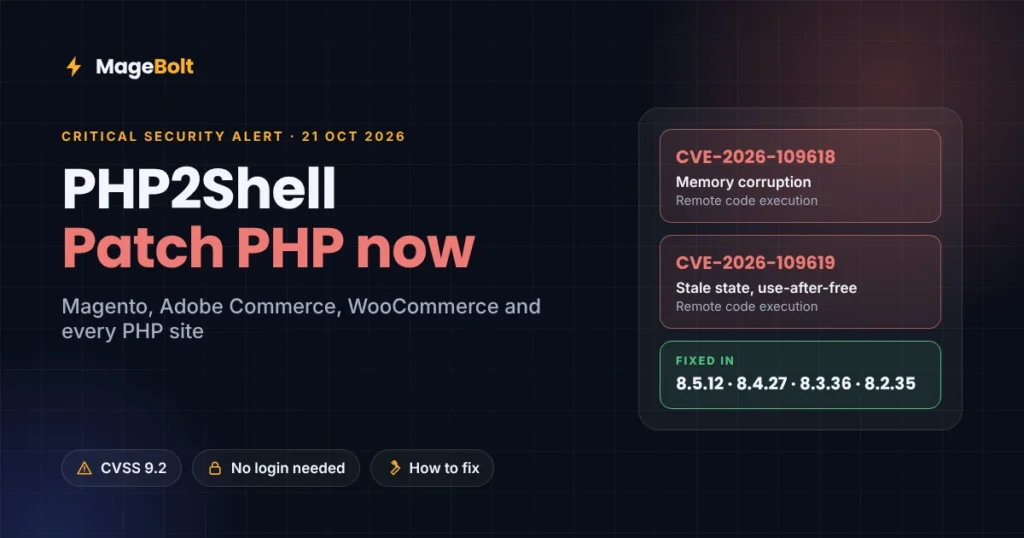
On 21 October 2026, the PHP project released emergency fixes for two critical flaws, CVE-2026-109618 and CVE-2026-109619. Together, researchers call them PHP2Shell. Worse, these bugs can let an attacker run code on a web server without logging in.
Notably, PHP powers Magento, Adobe Commerce, WooCommerce and most other self-hosted stores. So this guide explains who is affected and how to fix PHP2Shell on your server. It also covers what to do if you cannot patch today.
What is PHP2Shell?
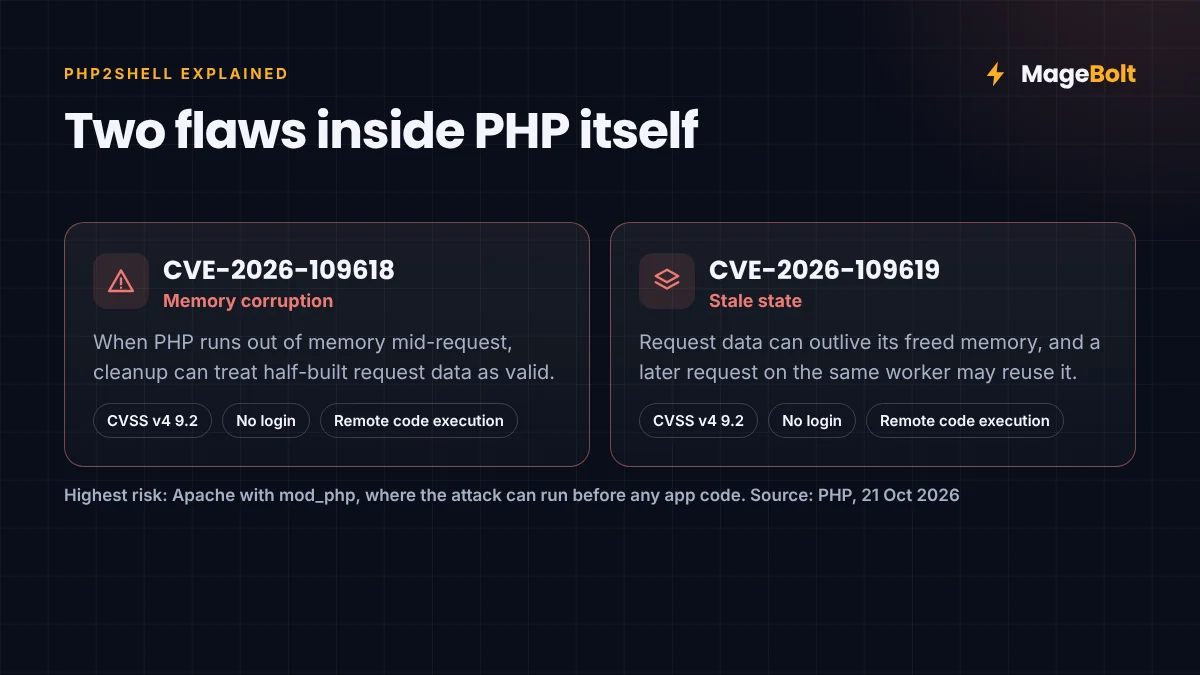
Simply put, PHP2Shell is the name for two bugs in PHP itself, not in any one platform. In fact, PHP gives each one a critical CVSS v4 score of 9.2 (PHP).
- CVE-2026-109618 (memory corruption). First, when PHP runs out of memory mid-request, cleanup code can treat half-built request data as valid.
- CVE-2026-109619 (stale state). Request data can survive after PHP frees its memory. Then a later request on the same worker may reuse it.
In both cases, an attacker therefore needs no account and no user action. Instead, a crafted HTTP request is enough. Meanwhile, PHP says Apache with mod_php carries the highest risk. That is because the attack can trigger before any application code runs.
PHP2Shell timeline
As it turned out, the release came a day early. According to the PHP Foundation, the planned date moved up after the CVE numbers leaked online (Tenable).
| Date | Event |
|---|---|
| 20 Oct 2026 | CVE numbers leaked; PHP pre-announced a critical release |
| 21 Oct 2026 | PHP 8.5.12, 8.4.27, 8.3.36 and 8.2.35 released |
| 21 Oct 2026 | Cloudflare and watchTowr reported early attack attempts |
However, reports on attacks differ. For example, the Canadian Centre for Cyber Security said a proof of concept was public. Even so, it had not confirmed active exploitation (Cyber Centre). Either way, you should therefore treat this as urgent.
Who is affected by PHP2Shell?
In short, PHP2Shell affects every server that runs PHP 5.4 through 8.5.11 for web requests. That includes PHP-FPM, Apache mod_php, php-cgi, LiteSpeed and FrankenPHP setups (Rapid7).
In practice, that also means:
- Magento Open Source and Adobe Commerce, whether self-hosted or on a VPS.
- Adobe Commerce on cloud infrastructure, until Adobe updates its PHP image.
- WooCommerce and WordPress, PrestaShop, Shopware and OpenCart.
- Laravel, Symfony and custom PHP apps, including ERP and shipping integrations as well.
By contrast, hosted platforms such as Shopify run their own servers. Still, any PHP app or middleware you host for them is in scope.
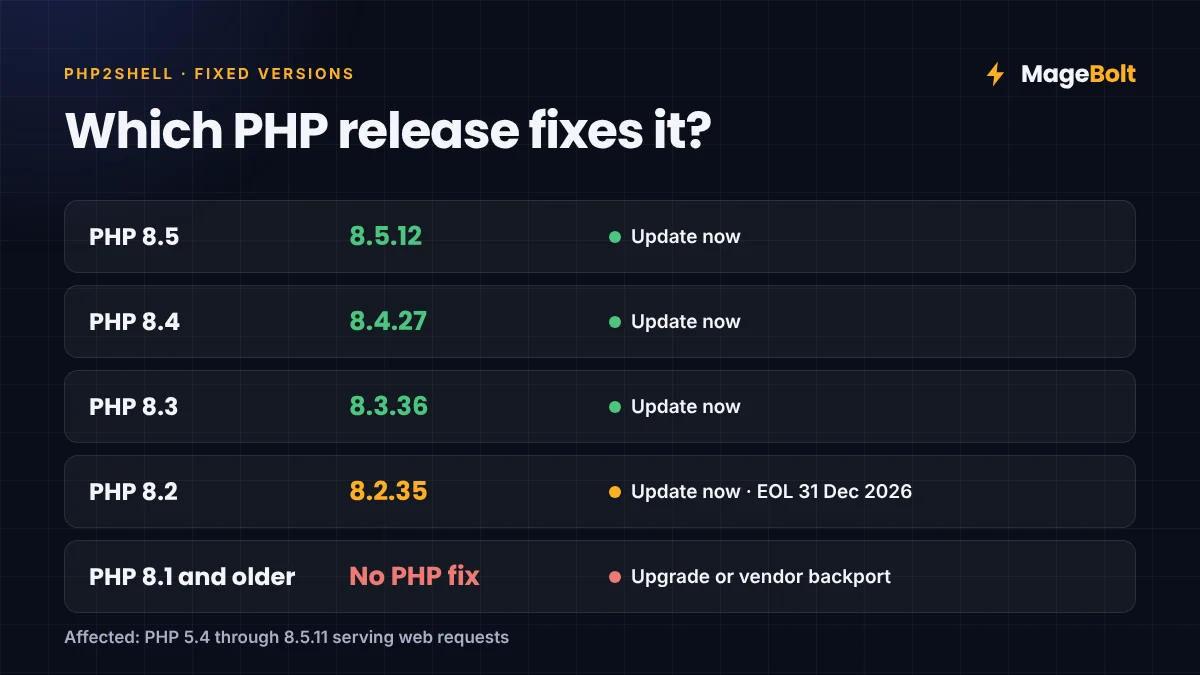
| PHP branch | Fixed version | Status |
|---|---|---|
| 8.5 | 8.5.12 | Update now |
| 8.4 | 8.4.27 | Update now |
| 8.3 | 8.3.36 | Update now |
| 8.2 | 8.2.35 | Update now (end of life on 31 Dec 2026) |
| 8.1 and older | None from PHP | Upgrade, or use a vendor backport |
What PHP2Shell means for Magento and Adobe Commerce
First, your Magento version decides which fixed PHP you can move to. Here, then, is the usual mapping:
| Magento / Adobe Commerce | Supported PHP | Fixed option |
|---|---|---|
| 2.4.9 | 8.4, 8.5 | 8.4.27 or 8.5.12 |
| 2.4.8 | 8.3, 8.4 | 8.3.36 or 8.4.27 |
| 2.4.7 | 8.2, 8.3 | 8.2.35 or 8.3.36 |
| 2.4.6 | 8.1, 8.2 | Move to 8.2.35 |
| 2.4.5 and older | 8.1 or older | No official fix; upgrade Magento |
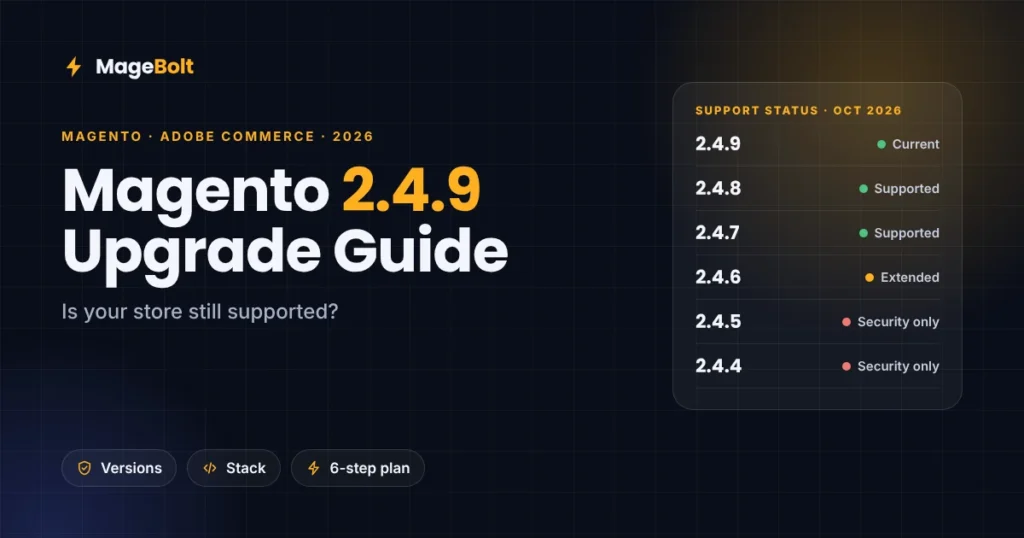
As a result, stores on 2.4.5 or older face a bigger job. In that case, you need a Magento upgrade instead of just a PHP update. Our Magento 2.4.9 upgrade guide covers the steps.
Meanwhile, on Adobe Commerce cloud infrastructure, Adobe manages the PHP image, while you choose the PHP branch in .magento.app.yaml. Therefore, ask Adobe Support to confirm that Staging and Production run a patched image, and redeploy if needed. In addition, confirm that the Fastly WAF is active.
How to fix PHP2Shell on your server
Updating PHP is the only complete fix. So here is the order we follow on client stores.
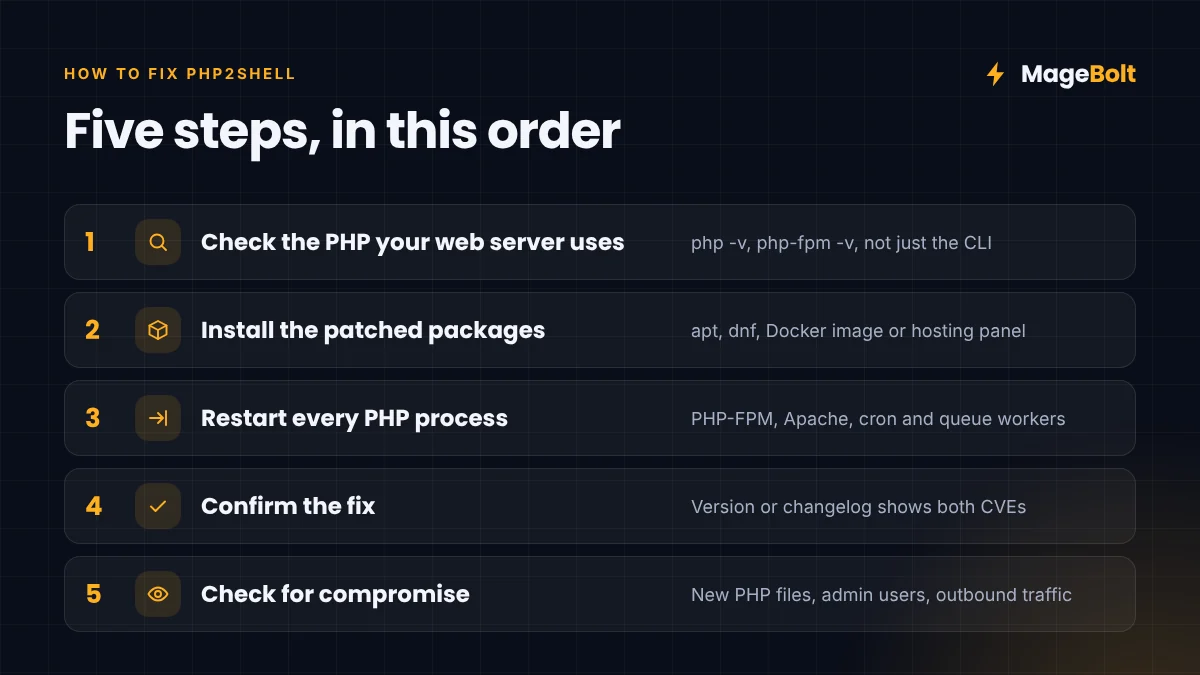
- Check the PHP your web server uses. First, run
php -v, but also check PHP-FPM or Apache, because the CLI version can differ. - Install the patched packages. Next, use your package manager, control panel or a new Docker image.
- Restart every PHP process. Then restart PHP-FPM or Apache, plus Magento cron, queue consumers and Supervisor jobs.
- Confirm the fix. After that, check the version again, or the package changelog if your distribution backports fixes.
- Check for signs of compromise. Finally, look for new PHP files, new admin users and odd outbound traffic.
Check versions:
php -v
php-fpm8.3 -v
bin/magento --version
Ubuntu or Debian:
sudo apt-get update
sudo apt-get install --only-upgrade 'php8.3*'
sudo systemctl restart php8.3-fpm
RHEL, AlmaLinux or Rocky:
sudo dnf upgrade 'php*'
sudo systemctl restart php-fpm
Docker: first, pin a fixed tag such as php:8.3.36-fpm, rebuild with --pull, then recreate the containers.
Note also that Ubuntu and Red Hat often backport fixes without changing the version number. In that case, check the package changelog for both CVE numbers. Similarly, on cPanel, Plesk or LiteSpeed hosting, update PHP through the panel, or ask your host to confirm it.
If you cannot patch today
Temporary settings reduce the risk. However, they do not remove it. Also, set them in php.ini or the PHP-FPM pool, not in .htaccess, .user.ini or app code, then restart all workers.
session.upload_progress.enabled = 0
fatal_error_backtraces = 0   ; PHP 8.5 only
post_max_size = 32M          ; as low as your store allows
upload_max_filesize = 8M     ; below post_max_size
PHP also suggests memory_limit=-1 against the memory bug. However, on Magento that lets one bad request use all server RAM. So use it only with a container or cgroup memory limit, and even then only until you patch.
A web application firewall also helps. For instance, Cloudflare has deployed rules for PHP2Shell, and Adobe Commerce cloud includes a Fastly WAF. Above all, plan the real update within days, not weeks.
How to check a Magento store for compromise
Patching stops new attacks. However, it does not undo one that already happened. So check these areas soon after you update:
- New or changed
.phpfiles inpub/media,pub/staticorvar. - Also, unknown admin users in the Magento admin, or recent password resets.
- Unexpected scripts in CMS blocks, the page footer or checkout settings.
- In addition, new cron jobs, SSH keys or outbound connections from the web server.
If you find anything suspicious, first take the store into maintenance mode, keep the logs, and get expert help. Our Shopify checkout hijack post explains how injected scripts can steal card data.
PHP2Shell FAQs
Is my Magento store vulnerable to PHP2Shell?
Most likely yes, especially if it runs a PHP version below 8.2.35, 8.3.36, 8.4.27 or 8.5.12. Then check the PHP version your web server actually uses, not only the command line.
Do I need a new Magento patch for PHP2Shell?
No. Since the flaws are in PHP, the fix is a PHP update. However, older Magento versions may need an upgrade to reach a fixed PHP branch.
Are WooCommerce and WordPress sites affected?
Yes. In fact, PHP2Shell affects any WordPress or WooCommerce site on an unpatched PHP version. Managed hosts may patch for you. Still, confirm it with them.
Get help patching PHP2Shell
Our team can check your PHP version, patch your servers and restart services safely. We also scan for signs of compromise on Magento, Adobe Commerce and WooCommerce.
Get a free quote or email sales@magebolt.com. We usually reply within 24 hours.
Sources: