Google AI Mode Checkout: What It Means for Your Online Store
5 min read
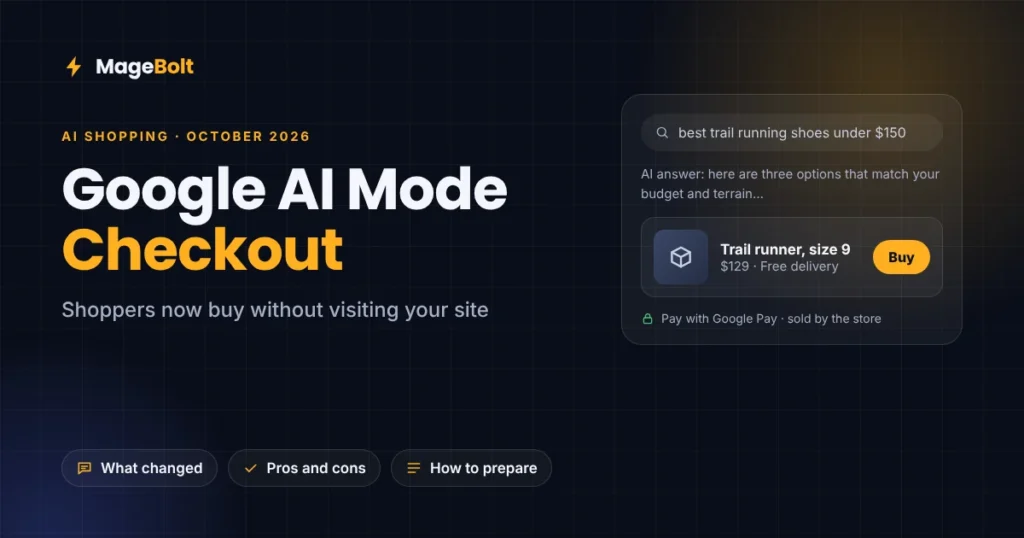
Shoppers can now buy some products without ever visiting the store’s website. For example, with Google AI Mode checkout, they find a product, tap Buy, and pay with Google Pay inside Google’s AI answer. In late September 2026, Google switched this on for eligible US Shopify stores by default.
So this guide explains what changed and who can use it today. It also shows how to get your store ready on Shopify, Magento, WooCommerce or BigCommerce.
What is Google AI Mode checkout?
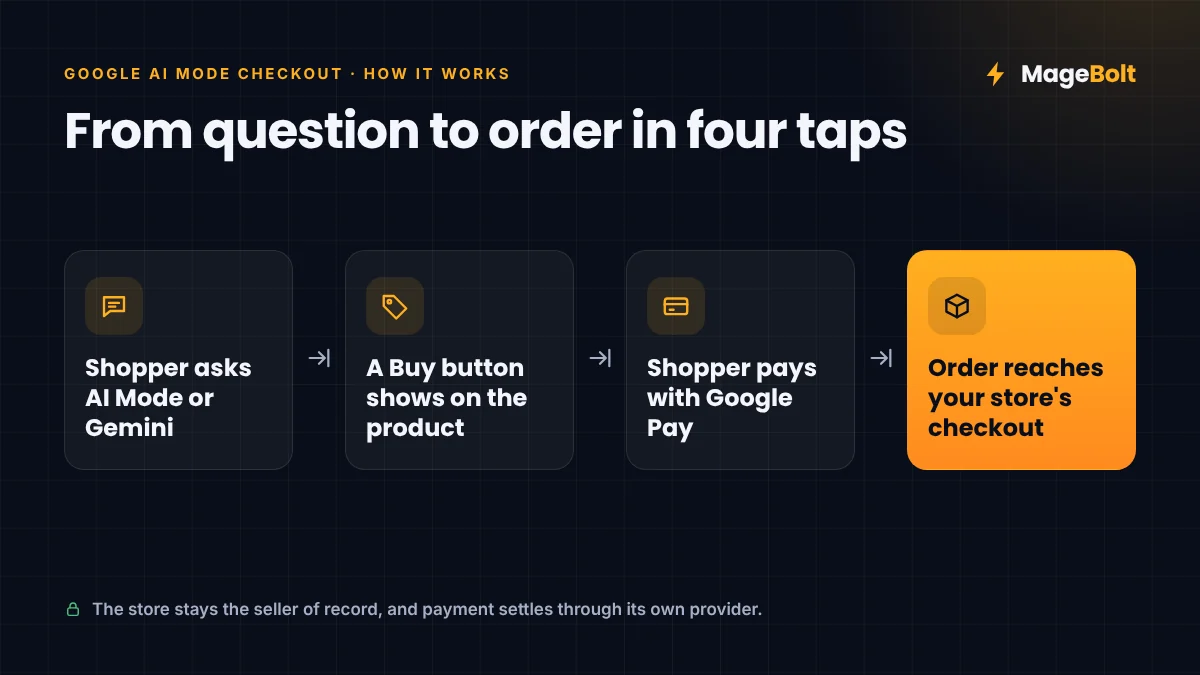
AI Mode is Google’s chat-style search, while Gemini is its AI assistant. Both can now show a Buy button on product results.
Then, when a shopper taps it, Google sends the order to the store’s own checkout system through the Universal Commerce Protocol (UCP). Google first announced UCP in January 2026, and Shopify, Etsy, Walmart and Target helped build it (EMARKETER).
Importantly, the store stays the seller of record. Payment also settles through the merchant’s usual payment provider, and the order lands in the normal back office.
What changed in September and October 2026
At first, only a few large retailers could sell this way. However, two big changes arrived within a month.
| Date | What happened |
|---|---|
| Jan 2026 | Google announced UCP and shopping inside AI Mode |
| Late Sep 2026 | Native checkout switched on by default for eligible US Shopify stores |
| Oct 2026 | A UCP integration hub in Merchant Center opened to more US merchants |
For Shopify merchants, eligible products joined automatically, and checkout stays on unless you turn it off (PPC Land). Meanwhile, other US merchants can now apply through Merchant Center, but Google still selects who gets access (Shopifreaks).
Should you turn Google AI Mode checkout on?
Still, there is no single right answer. Instead, weigh the trade-offs for your own store.
Reasons to say yes:
- Fewer steps to buy. Shoppers can now pay in a few taps, using cards already saved in Google Wallet.
- A new sales channel. In fact, EMARKETER forecasts that 63.3 million US consumers will use AI assistants to shop in 2026.
- You keep the customer. You remain the seller of record, so orders, refunds and support stay with you.
Reasons to be careful:
- Less time on your site. As a result, shoppers skip your product pages, upsells and email sign-up forms.
- Fees are not public. Google has not shared any fees for this checkout yet.
- Data must be perfect. In other words, wrong prices or stock in your feed now become wrong orders, not just wrong ads.
How to get your store ready
Whether you sell on Shopify or another platform, the groundwork is also the same. Above all, AI shopping tools trust clean, accurate product data.
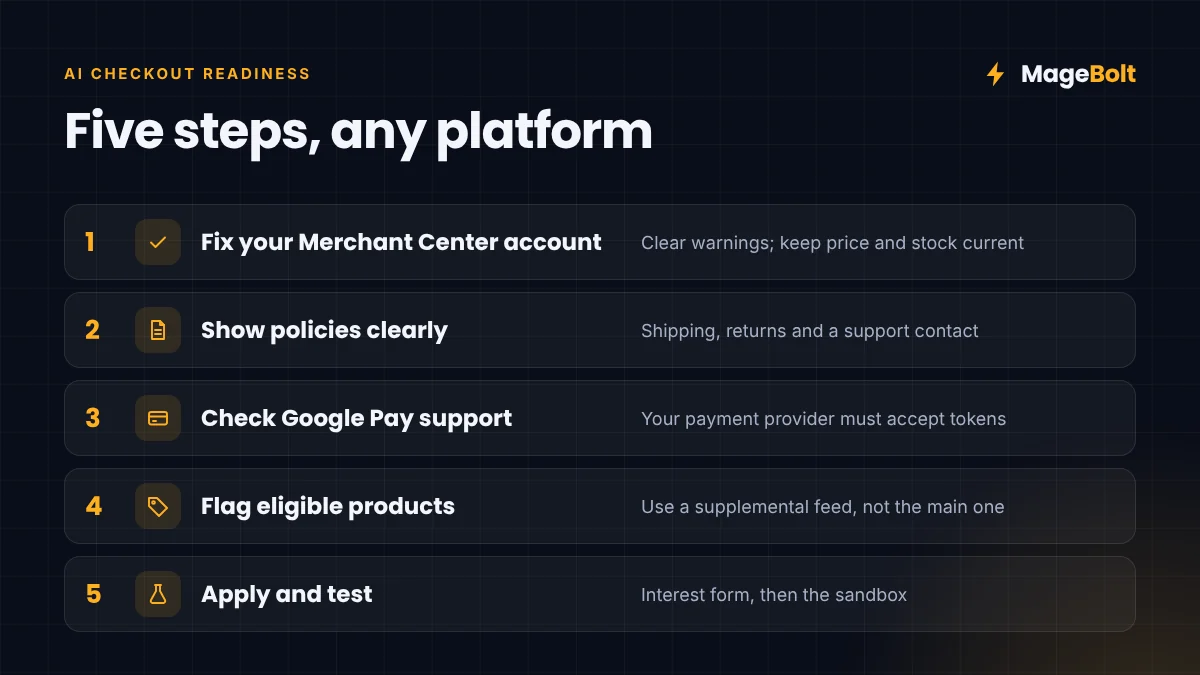
- Fix your Merchant Center account. First, clear every product warning and keep titles, GTINs, prices and stock current.
- Show policies clearly. Next, add shipping costs, return terms and a support contact to your feed.
- Check Google Pay support. Then confirm your payment provider accepts Google Pay tokens.
- Flag eligible products. After that, mark products for checkout using a supplemental feed, so your Shopping ads stay untouched (BigCommerce).
- Apply and test. Finally, submit Google’s interest form, then test the integration in the Merchant Center sandbox.
For now, Google also leaves some products out. These include subscriptions, pre-orders, used goods and age-restricted items.
What it means for each platform
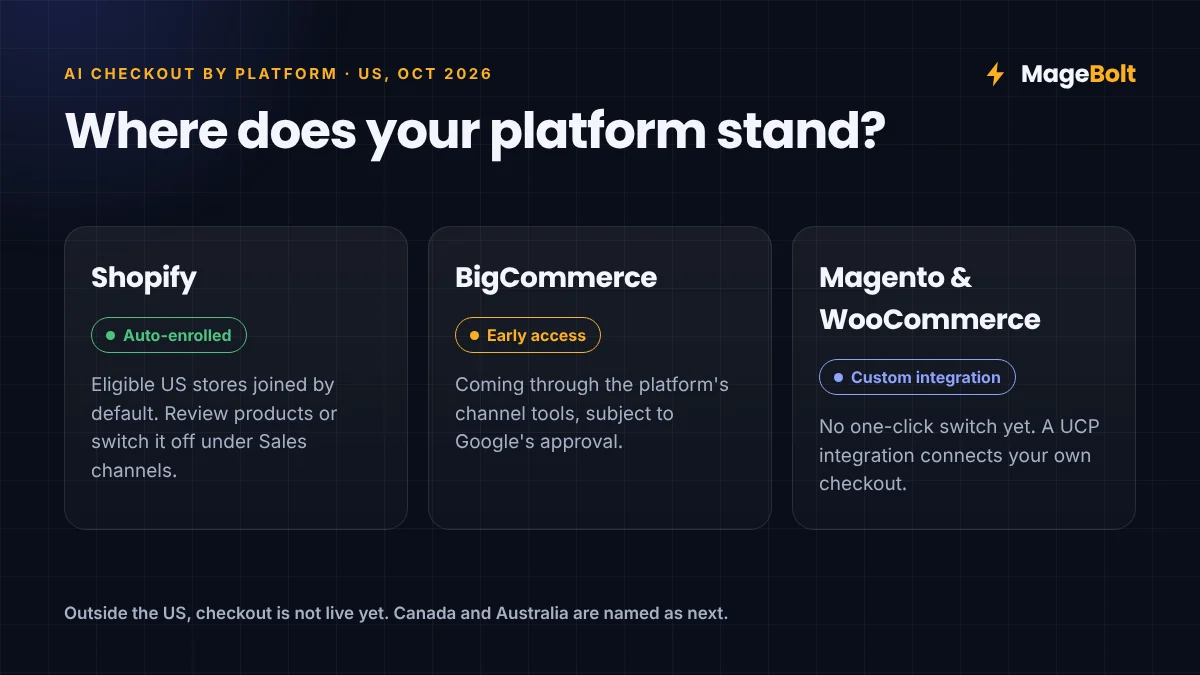
- Shopify: Google has already enrolled eligible US stores. So review which products appear, and switch it off under Sales channels if it does not suit you.
- BigCommerce: Early access is coming through the platform’s own channel tools, subject to Google’s approval.
- Magento and WooCommerce: There is no one-click switch yet. Instead, these stores need a custom UCP integration with their checkout system, which is where a development partner helps.
Meanwhile, outside the US, checkout is not live yet. Google has named Canada and Australia as next, and it was reportedly testing checkout with Flipkart in India.
Google AI Mode checkout and Black Friday
Timing matters this year, because many shoppers will try AI shopping for the first time during peak season, so feed errors will show up fast.
That’s why we suggest a quick feed audit now, alongside the steps in our Black Friday ecommerce checklist. For the bigger picture, see our guide to the Agentic Web.
Google AI Mode checkout FAQs
Do I lose the customer if they buy inside Google?
No. Instead, you stay the seller of record, and the order goes through your own checkout system. However, the shopper may never see your website.
Can stores in India use it yet?
Not yet. For now, checkout is live only for selected US merchants, although Google was reportedly testing it with Flipkart.
How do I turn it off on Shopify?
First, go to your Shopify admin. Then open Sales channels, then Agentic, and switch native checkout off.
Get your store ready for AI shopping
Our team can audit your product feed, fix Merchant Center issues, and build a UCP integration for Magento or WooCommerce. As a result, your products can appear where shoppers are starting to buy.
Get a free quote or email sales@magebolt.com. We usually reply within 24 hours.
Sources: