Shopify Checkout Hijack: How to Check Your Store Before Black Friday
5 min read
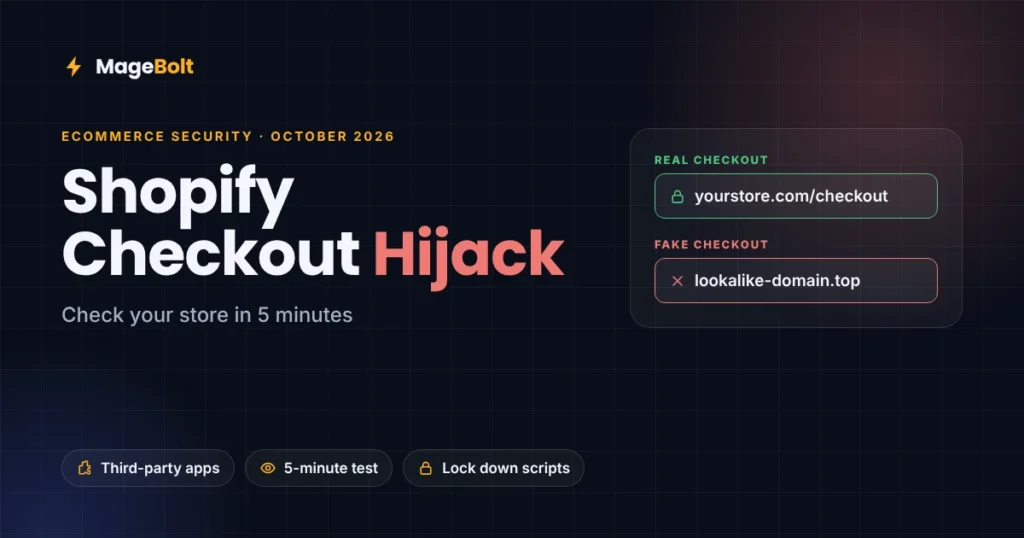
In mid-October 2026, fake checkout pages appeared on several real Shopify stores and asked shoppers for card details. However, this Shopify checkout hijack did not break Shopify itself. Instead, it came through third-party apps that the stores had installed.
With Black Friday only weeks away, every store owner should check their checkout now. So this guide explains what happened and how to test your store in five minutes. It also shows how to lock down third-party scripts on any platform.
What happened in the Shopify checkout hijack
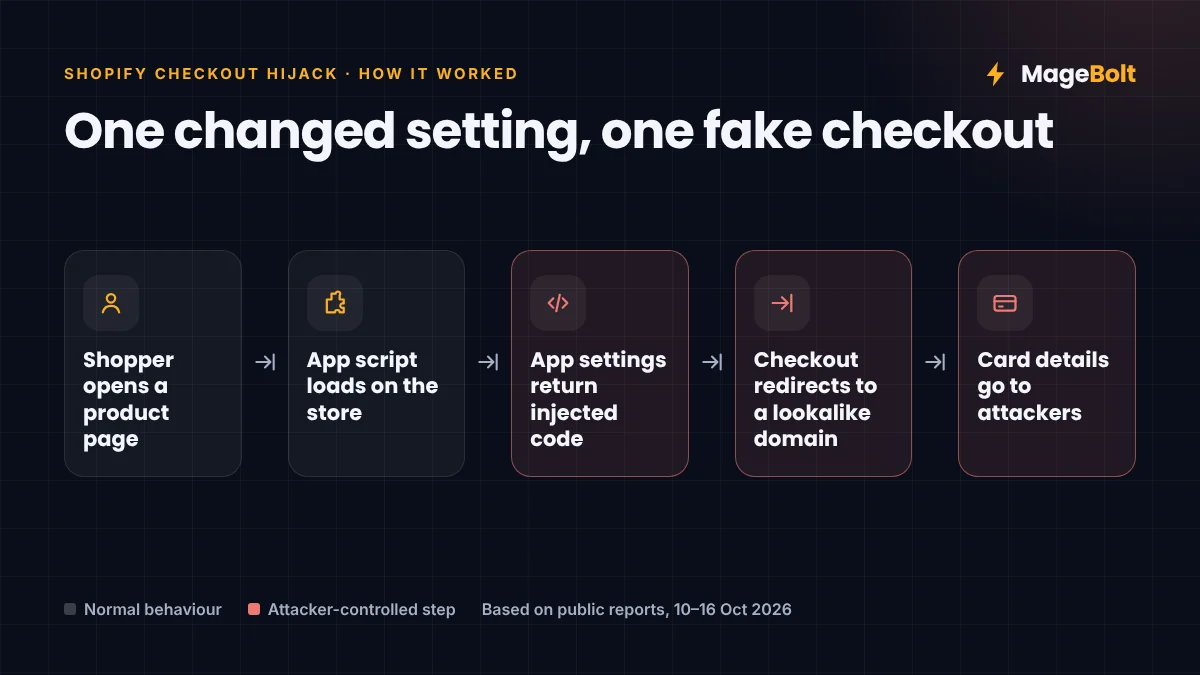
It started on 10 October 2026. Developer Roman Zipp found that a well-known keyboard store was sending some shoppers to a fake checkout page (Roman Zipp). The page looked real. Yet it quietly sent payment details to a lookalike domain.
He then traced the redirect to JavaScript loaded through a product options app. In that case, the code sat in a custom script setting inside the app. Shopify fixed that store within minutes of escalation.
However, it was not a one-off. Over the next week, more merchants reported the same problem. Reports named three apps: Hulk Product Options, Swym Wishlist Plus and Selleasy.
Shopify checkout hijack timeline: 10 to 16 October
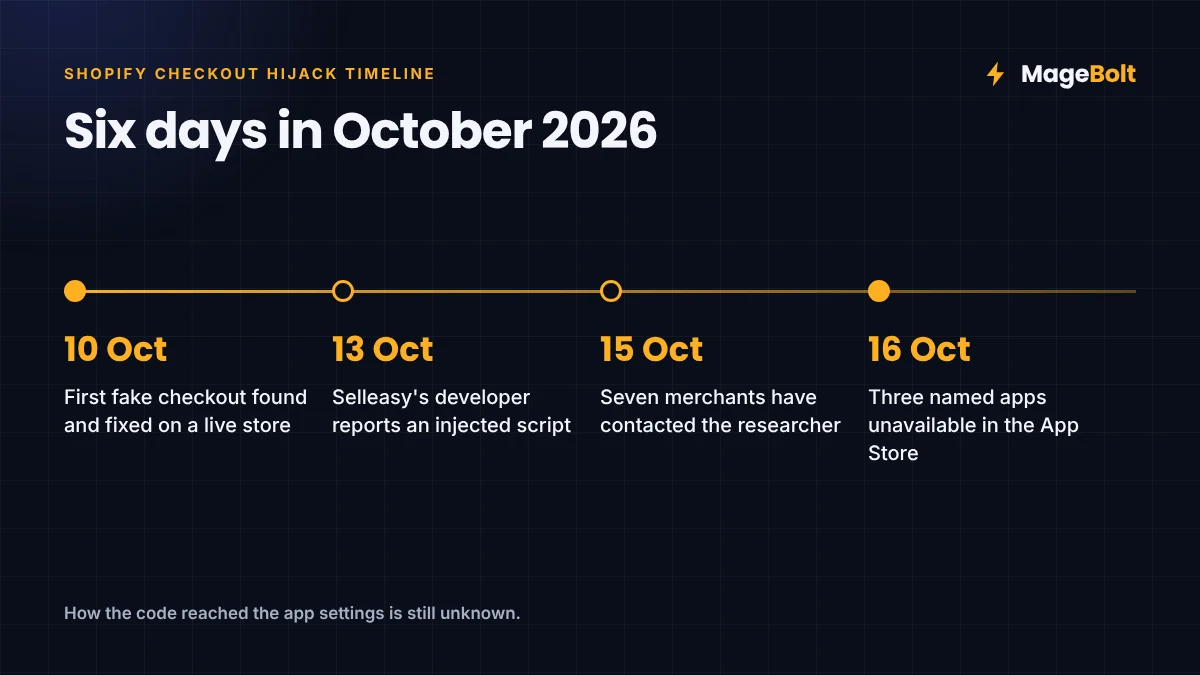
| Date | What was reported |
|---|---|
| 10 Oct | First fake checkout found and fixed on a live store |
| 13 Oct | Selleasy’s developer said an unauthorised script was injected into some stores |
| 15 Oct | Seven merchants had contacted the researcher, and not all of them used the same app |
| 16 Oct | The three named apps showed as unavailable in the Shopify App Store, with no reason given |
Since then, HulkApps says it has brought in an independent security firm. Meanwhile, Selleasy’s developer says it found no evidence of a breach in its own systems (The Founders Inn). Even so, nobody has yet explained how the malicious code got into the app settings. So the full scale is still unknown.
Why this matters for every online store
The Shopify checkout hijack used a simple idea. Because apps can load code into your storefront, anyone who changes that code can control what your shoppers see.
Still, that risk is not unique to Shopify. Magento, WooCommerce and headless stores also load scripts from apps, tag managers and chat widgets. In fact, card-skimming attacks through injected scripts have hit online stores for years.
The stakes also rise in peak season, when traffic is highest. More shoppers means more stolen cards if a fake page goes live. Worse still, many teams freeze code before Black Friday, so a hidden script could stay in place for weeks.
How to check your store for the Shopify checkout hijack
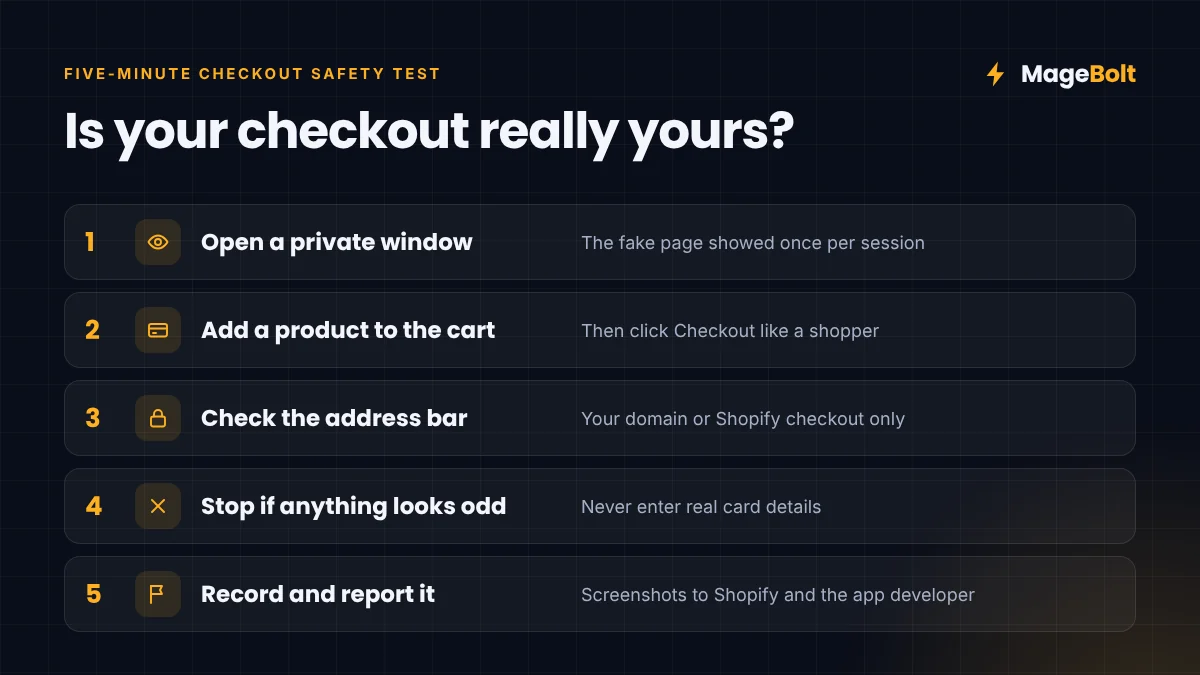
This five-minute test works on any Shopify store. Run it today, and then again after any app update.
- Open a private window. The fake page in this attack showed only once per session, so a fresh window matters.
- Add a product to the cart. Next, click Checkout, just as a shopper would.
- Check the address bar. Your checkout should stay on your own domain or Shopify’s checkout. Any other domain is a red flag.
- Stop if anything looks odd. Above all, never enter real card details on a page you are unsure about.
- Record what you see. Take screenshots, note the time, and contact Shopify Support and the app developer.
How to lock down third-party scripts
A quick test finds today’s problem. However, a few habits stop the next one.
- Audit your apps. First, list every app and script on your store, then remove anything you no longer use.
- Limit custom code fields. Some apps let you paste JavaScript into their settings. Use them only when you must, and review them often.
- Watch your payment pages. PCI DSS 4.0 now expects merchants to list the scripts on payment pages and detect changes to them. Tools that alert on script changes help here.
- Use a Content Security Policy. On Magento, WooCommerce and headless stores, a strict CSP can block scripts from unknown domains.
- Rotate passwords. Finally, change your store and app account passwords, and turn on two-factor login everywhere.
Removing an app is not always enough. For example, one report found malicious content cached in shoppers’ browsers. So ask the app developer to confirm your store is clean.
Shopify checkout hijack FAQs
Was Shopify itself hacked?
No. Instead, reports point to code delivered through third-party apps, not to a breach of Shopify’s own platform.
I use one of the named apps. What should I do?
First, run the five-minute checkout test. Then follow the developer’s latest guidance, change your passwords, and contact Shopify Support if anything looks wrong.
Can the same attack hit Magento or WooCommerce stores?
Yes. In fact, any store that loads scripts from outside sources faces a similar risk. That is why script audits and a Content Security Policy matter on every platform.
Get a free ecommerce security check
Not sure what is running on your checkout? If so, our team can audit your apps, scripts and payment pages before Black Friday, then send you a clear fix list. See our Black Friday ecommerce checklist for the rest of your peak-season prep.
Get a free quote or email sales@magebolt.com. We usually reply within 24 hours.
Sources: